01.
Professional timeline editing
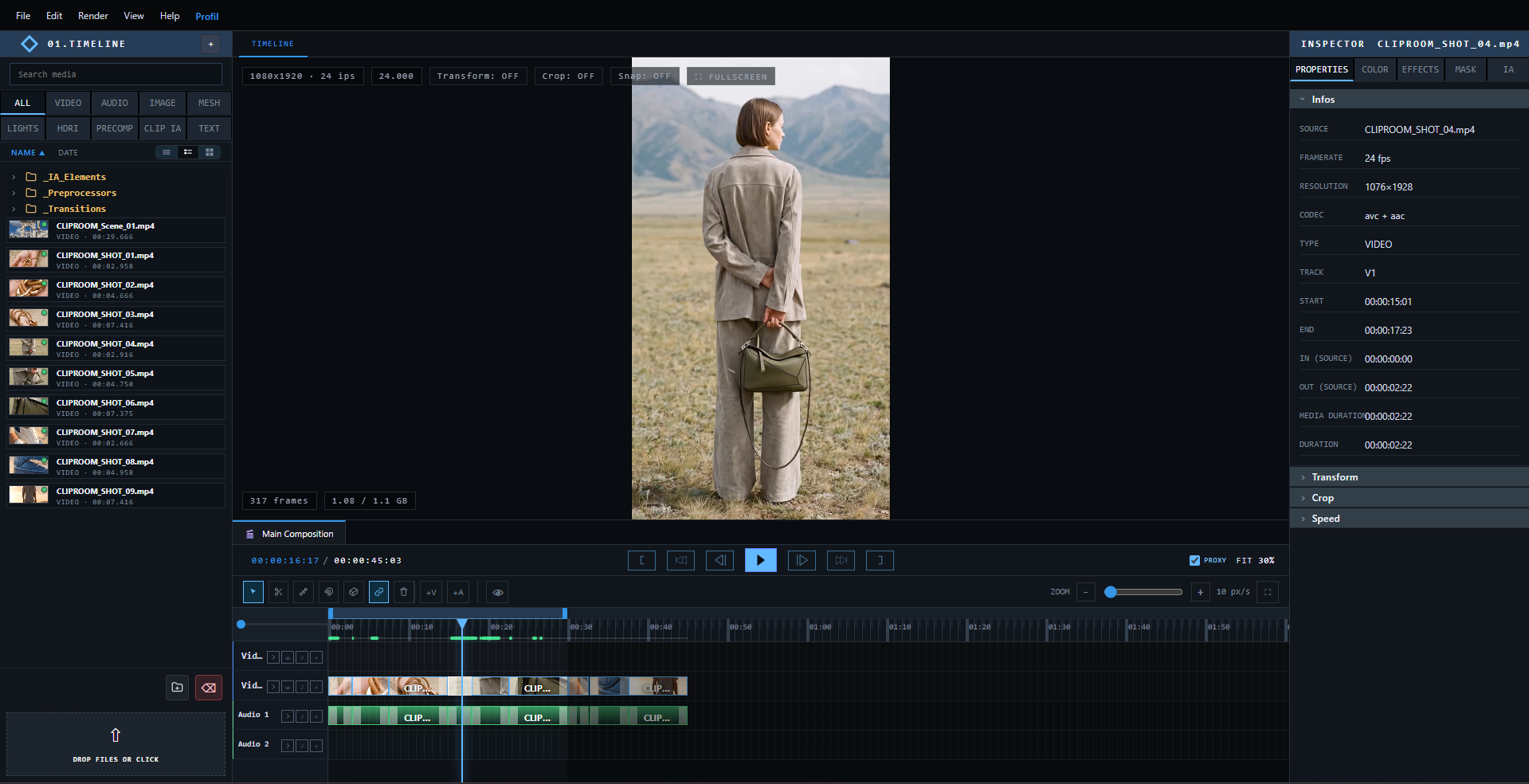
A multi-track timeline to cut, reorganize and preview your clips in real time.
 CLIP ROOM
CLIP ROOM brings together professional timeline editing, AI-powered image, video and audio generation, and full 3D scenes, all inside a single desktop application.
From your first cut to the final render — everything lives in one editor.
A multi-track timeline to cut, reorganize and preview your clips in real time.
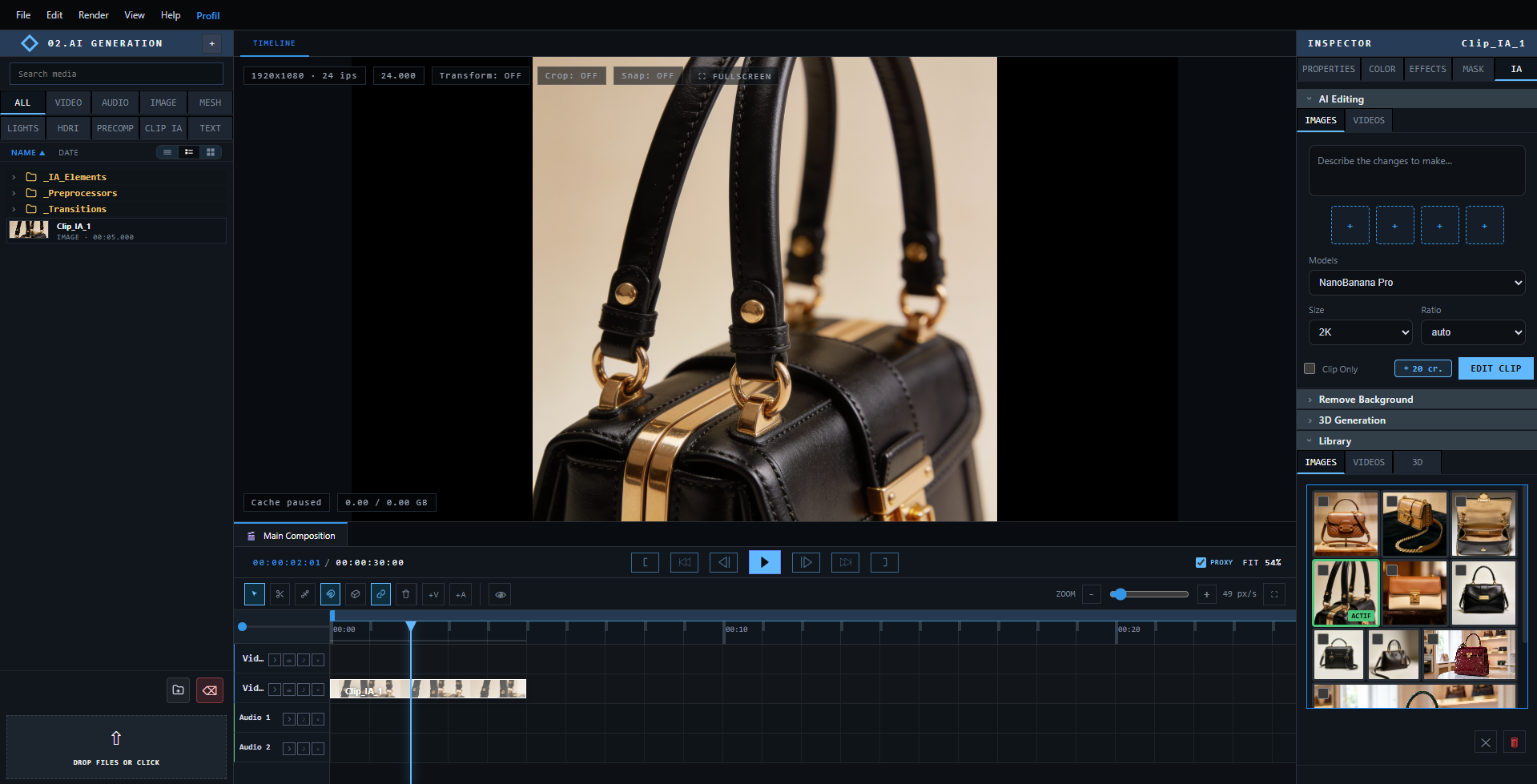
Describe your idea, pick a model, and generate visuals directly inside your project.
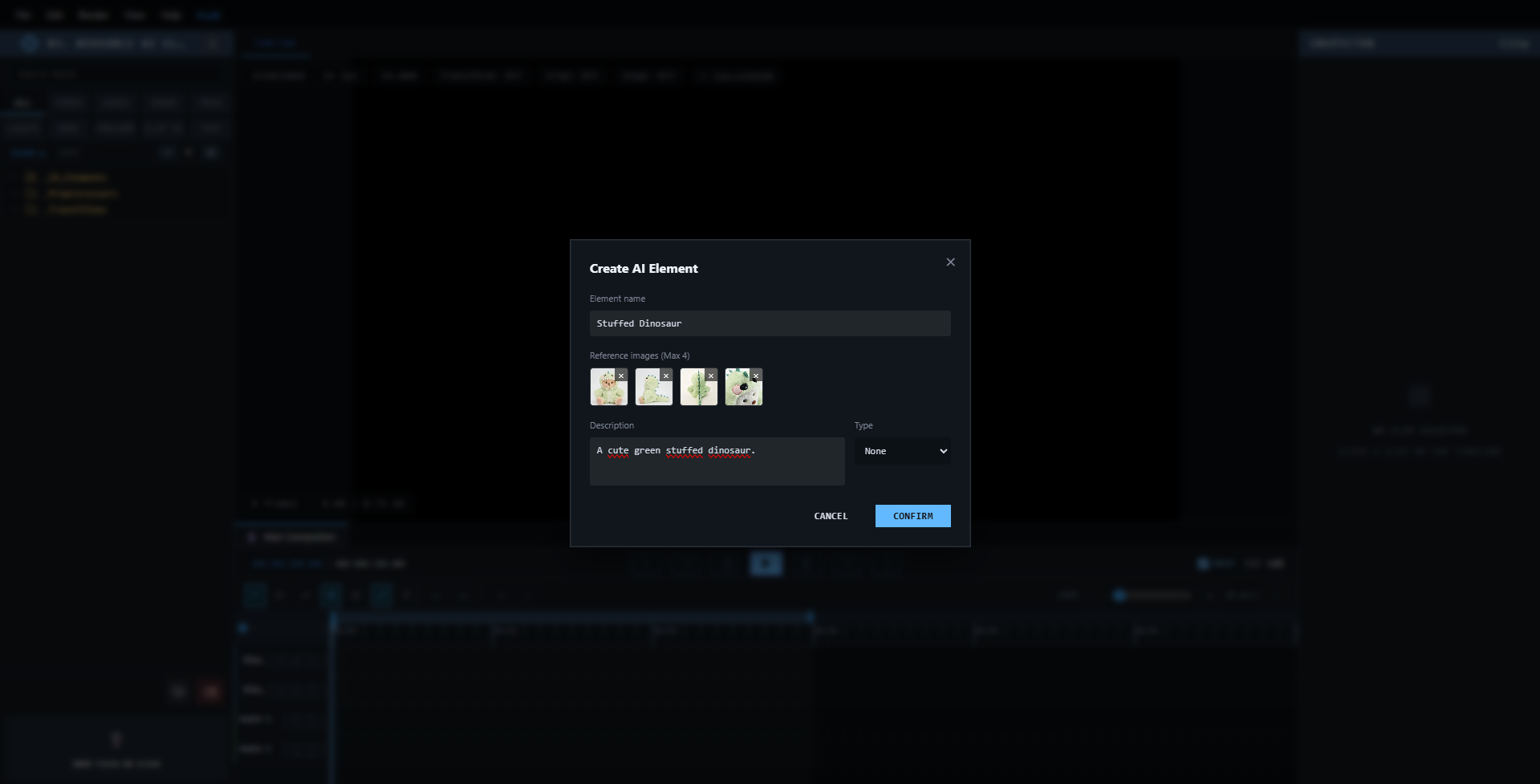
Keep a character or a set consistent from one generation to the next with AI Elements.
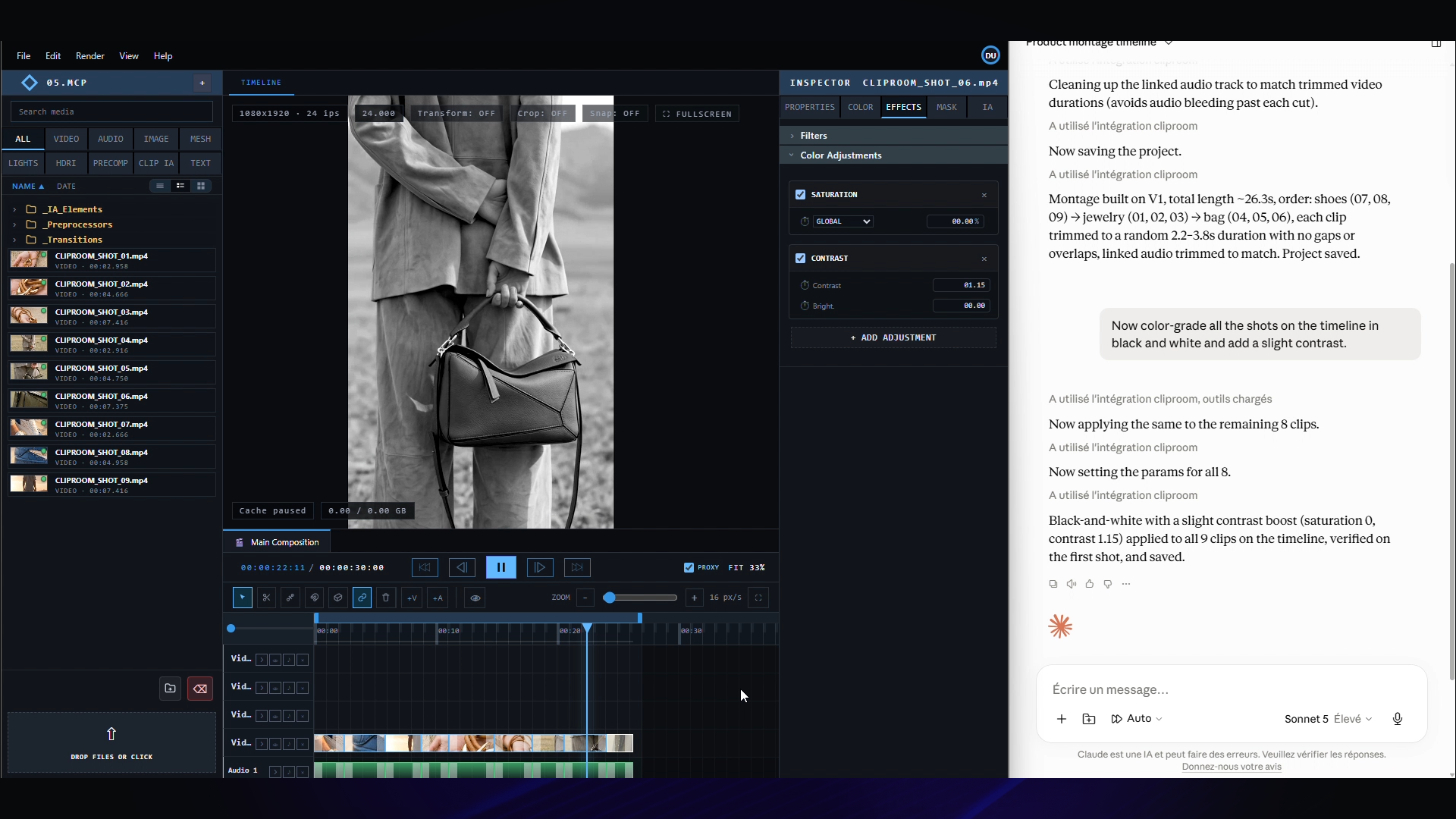
Connect Claude Desktop through MCP and edit with natural language — cut clips, generate shots, adjust the timeline, all without clicking a single button.
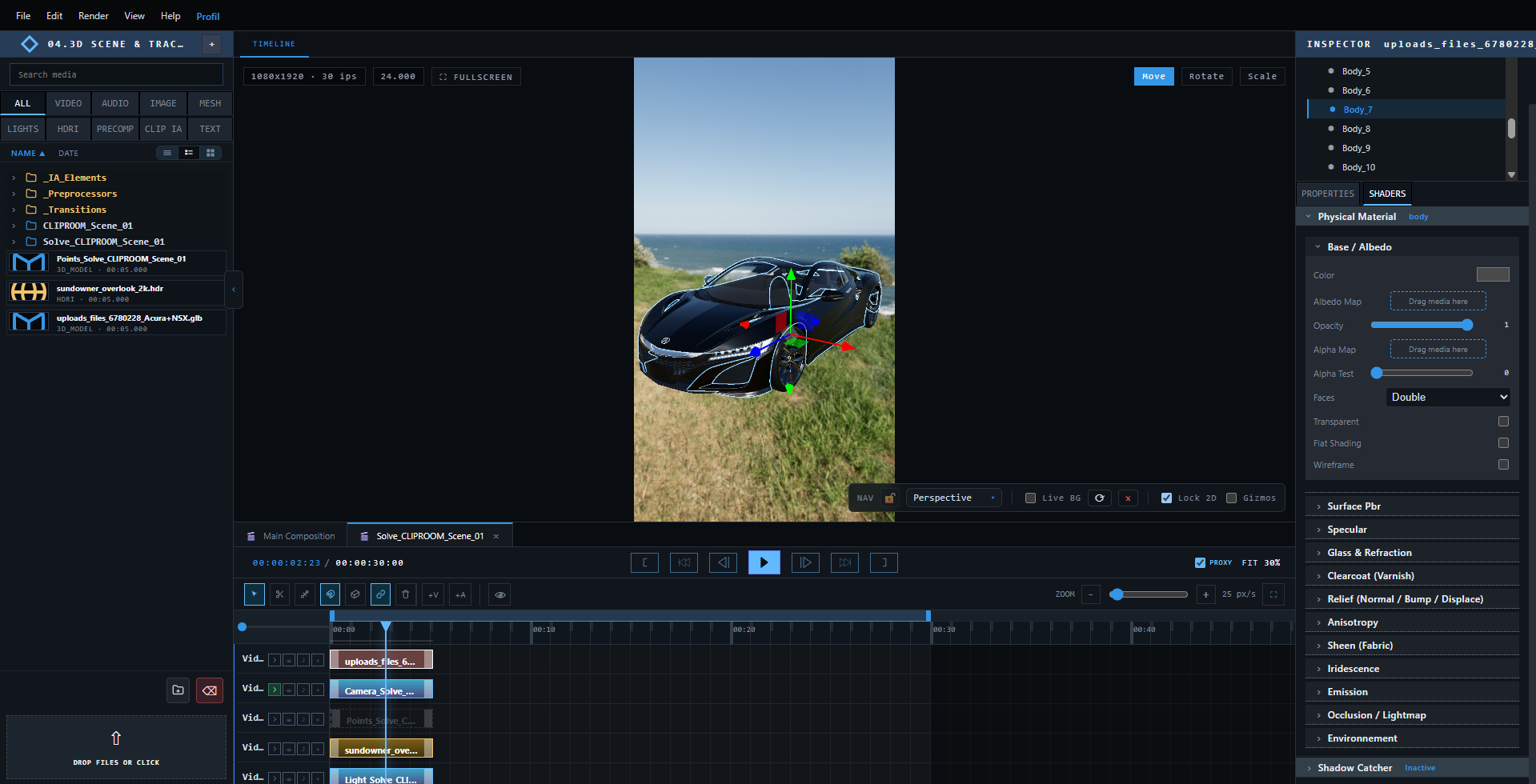
Generate or import a 3D model, dress it with physical materials, and drop it into your scene.
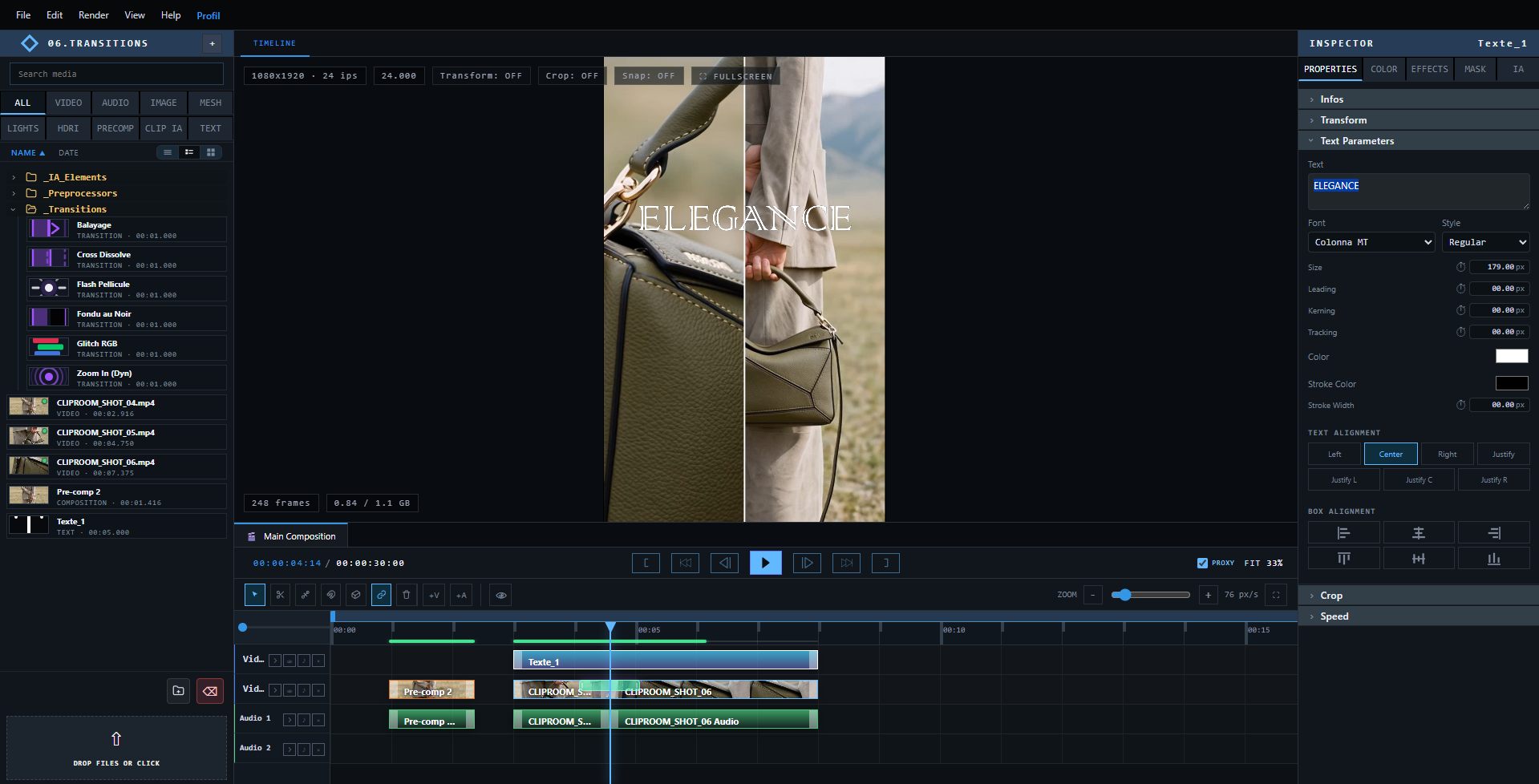
Polish your edit and organize complex sequences into reusable precompositions.
A modern, high-performance engine, paired with best-in-class AI models.
Everything you need to know before diving in.
Instead of juggling a separate editor, AI generation tools and a 3D app, CLIP ROOM brings professional timeline editing, AI image/video/audio generation, and full 3D scene compositing into a single desktop application. You can cut a clip, generate a replacement shot with AI, and place it inside a tracked 3D scene, all without leaving the same project.
The Free plan gives you the full editor with no subscription: unlimited timeline editing, importing and exporting your videos, and transitions, text and precompositions. AI features (image, video, audio and 3D generation) are available on top by buying credits on demand, whenever you need them.
Credits are consumed by AI generations — image, video, audio or 3D model — and the exact cost depends on the model, resolution and quality you choose. Your balance is always visible in the application, and the cost of a generation is shown before you run it, so there are never any surprises.
You can drag and drop videos, images and audio files directly into the Media Pool. Proxy and mezzanine versions are generated in the background to keep playback smooth, even in 4K. You can also import 3D models (OBJ, GLB or glTF), complete with their materials and lighting, to use them in a full 3D scene or as a reference for AI generation.
No. We do not use your inputs or outputs to train our own models. When you launch a generation, your prompt and reference files are sent only to our AI generation providers to carry out that specific request, under their own terms — never to improve or train any model.
Once your edit is done, you can export your film in the format and resolution of your choice — MP4, WebM, or as a PNG/JPEG image sequence. CLIP ROOM encodes your whole project — timeline edits, AI generations and 3D scenes alike — into a single output, ready to be shared or published.
Download CLIP ROOM and import your first clip in just a few minutes.